Print-Ready Artwork for Custom T-Shirts: A Guide
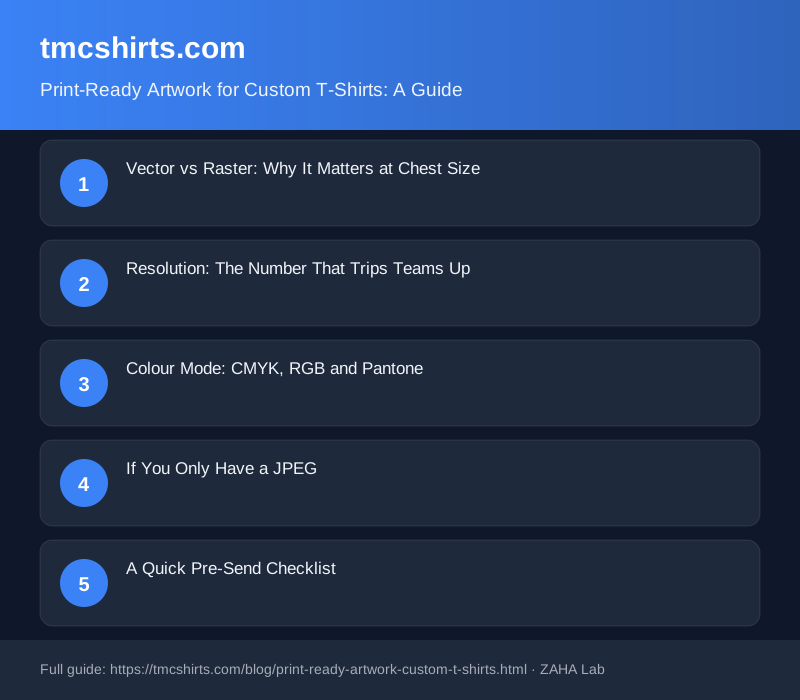
Roughly one in four custom team orders hits a delay because the artwork file is the wrong format or too low a resolution to print. Most of that friction is avoidable in under five minutes.
Vector vs Raster: Why It Matters at Chest Size
A raster image is built from pixels. Zoom into a JPEG logo and you'll see the blocks. A vector file uses mathematical paths instead, so it scales to any size without losing sharpness. At chest-print scale, typically 25 to 30 cm wide, that difference is very visible on a finished shirt.
Your printer can accept:
- Adobe Illustrator (.ai) with fonts outlined or embedded
- Encapsulated PostScript (.eps)
- Scalable Vector Graphics (.svg)
- Print-quality PDF (PDF/X-1a or PDF/X-4, fonts embedded)
A high-resolution transparent PNG will also work for DTG printing. It will not work for screen printing, where your printer needs clean, separated vector paths per colour layer. The result on popular blanks like the Gildan Softstyle 64000 is noticeably crisper when the source artwork is vector.
Resolution: The Number That Trips Teams Up
Resolution is measured at actual print size, not at the size you see on screen. A club badge that looks sharp at 72 DPI on your website will print blurry across a 28 cm chest graphic.
The minimum is 300 DPI at final print dimensions. A chest print at 28 cm wide needs a file at least 3,307 pixels across. Back prints often run to 35 cm, requiring at least 4,134 pixels. No printer can safely upscale a raster file without visible quality loss.
Colour Mode: CMYK, RGB and Pantone
Screens display colour in RGB. Printers use CMYK. A vivid electric blue on your monitor can shift to a duller shade in print if your file stays in RGB mode. Convert artwork to CMYK before sending it.
For exact brand colours, supply a Pantone (PMS) reference number alongside your file. Screen printing inks can be mixed to match a specific PMS value very closely. DTG presses work from CMYK, so convert your PMS value to its CMYK equivalent in advance and include it in your brief. That single step cuts back-and-forth on proof approval significantly.
Teams ordering Fruit of the Loom Valueweight packs for events often have an existing brand colour. Getting that colour right from the start avoids a reprint.
If You Only Have a JPEG
Many clubs and event organisers have a logo saved only as a low-resolution JPEG from a website. There are three practical routes forward.
First, ask whoever designed the original logo for the source file. Designers routinely keep the.ai or.eps original and can send it within minutes. Second, a freelance designer can redraw the logo in Illustrator. Simple text-based logos typically cost £15 to £40. Complex crests can run to £80 or more. Third, many printers, including TMK Shirts, offer an in-house artwork redraw for a small per-design fee. Check before placing your order.
A Pantone color bridge or swatch guide is also worth having to hand when briefing your printer on colour matching. The Pantone Formula Guide Set gives you both coated and uncoated references in one pack.
A Quick Pre-Send Checklist
- File type is AI, EPS, SVG, or a PDF/PNG as appropriate
- All fonts are outlined or embedded
- Resolution is 300 DPI at final print size (raster files)
- Colour mode is set to CMYK
- Pantone reference numbers are included for brand colours
- Backgrounds are transparent on PNG files
Send this alongside a written brief stating your print size, preferred print location (left chest, full front, back) and any notes on colours. Orders placed with complete artwork on the first submission ship an average of 2 days faster than those that go through a revision round.
FAQ
What file format should I send for custom t-shirt printing?
A vector file is best: AI, EPS, SVG, or a print-quality PDF with fonts embedded. These scale to any print size without quality loss. For DTG printing only, a transparent PNG at 300 DPI or higher at print size is also acceptable.
Can I send a JPEG for my team t-shirt order?
JPEG files are not recommended. They are compressed raster images with no transparency support, and most website JPEGs are too low a resolution for print. If a JPEG is your only option, send the largest version you have and ask your printer to assess it before committing to production.
What resolution does a t-shirt print file need?
At least 300 DPI measured at the final print dimensions, not at screen size. A chest print 28 cm wide requires a minimum of 3,307 pixels across. A full back print at 35 cm wide needs at least 4,134 pixels.
What is the difference between CMYK and RGB for t-shirt printing?
RGB is the colour model used by screens; CMYK is used by printers. Colours created in RGB, particularly bright blues and greens, can shift noticeably when converted to CMYK at print time. Converting your file to CMYK yourself before sending means you approve the colour, not the printer's automated conversion.
What if my club badge is only saved as a small image from a website?
Contact whoever originally created the logo and ask for the source file (.ai or.eps). If that is not possible, a freelance designer can redraw it as a vector for £15 to £80 depending on complexity, or many printers offer a redraw service for a modest fee.
Disclosure: this post contains affiliate links. TMK Shirts may earn a small commission if you purchase through these links, at no extra cost to you.