Avoid These Design Mistakes on Team T-Shirts
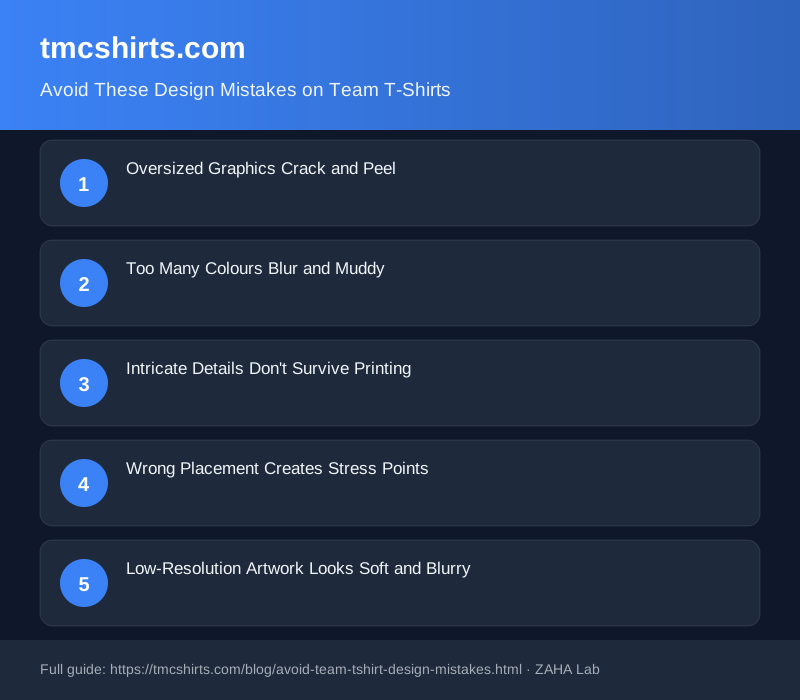
Invest in custom team t-shirts and watch them fade, crack, or peel after three washes? Nine times out of ten, poor design choices, not manufacturing defects, cause premature failure. Five common mistakes destroy durability before your team ever wears them.
Oversized Graphics Crack and Peel
A design covering 40% of the shirt front looks bold in mockups until the first wash. Oversized graphics flex more when the shirt stretches during wear and cleaning, causing ink or transfers to crack along the edges. Graphics larger than 25cm across fail prematurely. Keep designs sized proportionally: front chest logos 15-20cm, back prints 20-25cm. This balances visual impact with durability.
Too Many Colours Blur and Muddy
Five or more colours in one design create registration problems during printing. Slight misalignment between colour layers becomes visible after printing, and colours bleed into each other after repeated washing. Stick to three core colours maximum. This keeps designs sharp, reduces costs, and extends shirt lifespan.
Intricate Details Don't Survive Printing
Thin lines, small text below 8pt, and photo-realistic details muddy or vanish when screen printed or heat transferred. DTG printing handles finer detail better, but costs more per unit. Always request a physical proof before bulk orders. A sample pack reveals printing issues you'll spot nowhere else.
Wrong Placement Creates Stress Points
Graphics too close to seams or edges peel when the shirt stretches at the underarm or shoulder. Centre chest logos and back prints 10-15cm from the neck should sit on flat fabric only. Side placements risk peeling at seams. Always specify placement using measurements: "10cm from left shoulder seam, 15cm below neckline."
Low-Resolution Artwork Looks Soft and Blurry
72 DPI artwork scaled up for printing produces pixelated or fuzzy output. Provide artwork at 300 DPI minimum or vector files (Adobe Illustrator, EPS) with no scaling. Work with a designer if your original artwork is low resolution, or use vector design tools for crisp output.
- Graphics under 25cm across
- Maximum three core colours
- No text smaller than 8pt
- Placed away from seams and edges
- Artwork at 300 DPI or vector format
- Request and review a physical sample first
FAQ
How large should my team logo be on a shirt?
Front chest logos work best at 15-20cm wide. Back designs can reach 20-25cm. Anything larger risks cracking during washing and normal wear.
Can I print a photograph on a team t-shirt?
Photographs convert poorly via screen printing but work with DTG (direct-to-garment) methods. DTG preserves photo detail and colour gradients. Ask your printer which method suits your budget before committing to bulk orders.
What happens if I use too many colours in my design?
Each colour requires separate screens in screen printing, pushing costs up significantly. More colours also create more registration points where misalignment becomes visible. Three colours is the practical maximum.
Should I always order a sample pack before bulk?
Yes. A sample of five to ten shirts reveals printing quality, colour accuracy, sizing fit, and design placement issues before you commit to 100 units. The upfront cost prevents costly bulk mistakes.
How can I keep my custom team shirts looking new?
Wash inside-out in cold water, dry flat or hang rather than tumble dry, and avoid bleach or fabric softener. Graphics survive longest when protected from direct heat and friction during drying. Mesh laundry bags protect prints during washing.
Related Products
This article contains affiliate links. TMK Shirts may earn a small commission from purchases made through these links at no additional cost to you.